Your expertise.
Your business.
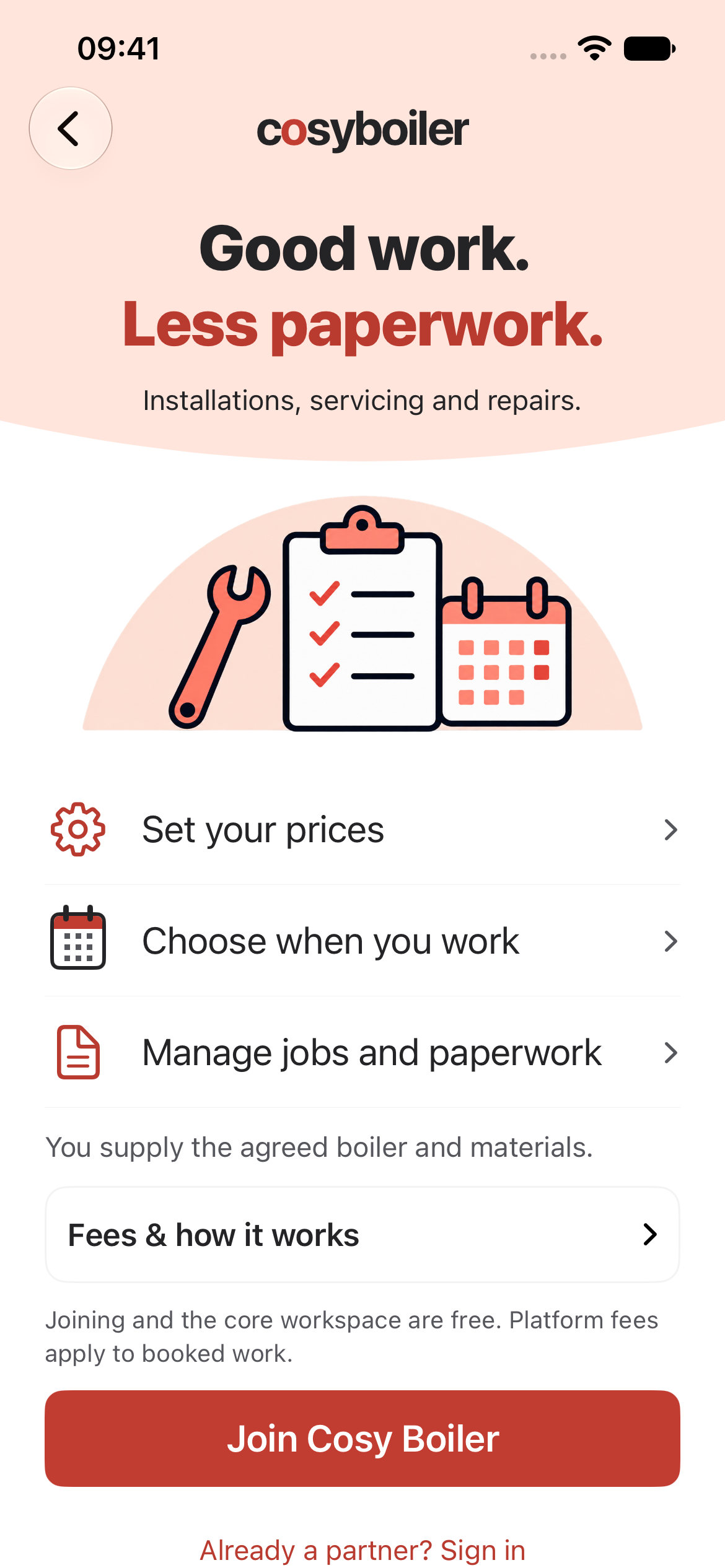
Set your prices, work areas and availability. Keep your installations, services and repairs organised in one workspace.
The tools behind
every good job.
Packages on your terms
Publish the boilers you supply, complete installed prices, compatible extras and the work included.
One calendar for all work
Plan installations, services and repairs together. Set covered postcodes, team capacity and available dates.
A useful job brief
See agreed work, symptoms, property answers and relevant photos. Keep messages and reports with the job.

Less chasing.
More clarity.
Your team knows what’s booked and what happens next. Business and payment controls stay with the appropriate team members.
- Diagnostics and repair quotes
Record findings, itemise labour and parts, track parts and arrange agreed return visits.
- Structured job reports
Use labelled forms and document areas for each installation, service or repair.
- Clear earnings information
See platform fees, processing-fee responsibility and your expected share. Follow payment and payout status.
You set the price.
Know your share.
| Work | Platform fee | Limit |
|---|---|---|
| Installations | 8% of the agreed package | £200 cap |
| Servicing | 15% of the service price | Separate service fee |
| Repairs | 15% of diagnosis & labour | £100 per repair case |
| Itemised repair parts | 0% platform commission | Parts listed separately |
Your customer price includes applicable taxes. Stripe processing fees, your taxes, materials and fulfilment costs come from your share. Review the exact fee and payment terms in the app before publishing. Existing accepted agreements keep their original terms.
A clear route
to your first booking.
Apply from Help
Open the iPhone app, then Help → Installer sign in or join. Use your business email.
Complete your business checks
Add business details, Gas Safe registration, qualified engineers and insurance in the labelled steps.
Prepare your offers and dates
Set packages, work areas and calendar capacity. Complete payment onboarding before taking paid bookings.
Your business is the seller, shown to the customer before payment. Only publish prices, supply and dates you can honour. Bookings depend on suitable customer demand and approved offers; work is not guaranteed.
Make it
work for you.
Can I offer services and repairs as well as installations?
Yes, within your approved work and qualifications. Publish service offers and diagnostic visits. Repair work uses itemised quotes approved by the customer.
Can my team use the workspace?
The app supports owner, dispatcher and engineer permissions. Assigned engineers see their work; financial and business controls require the appropriate role.
How do I get paid?
Payments use your connected Stripe account. Your business is the seller. Check canonical payment and payout status in Business → Payments; payout timing and eligibility depend on Stripe and your account readiness.